XSLT Mapping
Concept
An XSLT mapping is a declarative mapping. The mapping is described by an XSLT script.
Creation
XSLT mappings are created in the same way as any other Message mapping. In the scenario element tree select the group message mappings and click on the right mouse button. Then a popup menu opens where you select the item Create mapping. In the wizard you will be asked to select the mapping type. Here you select the type XSLT mapping.
Configuration
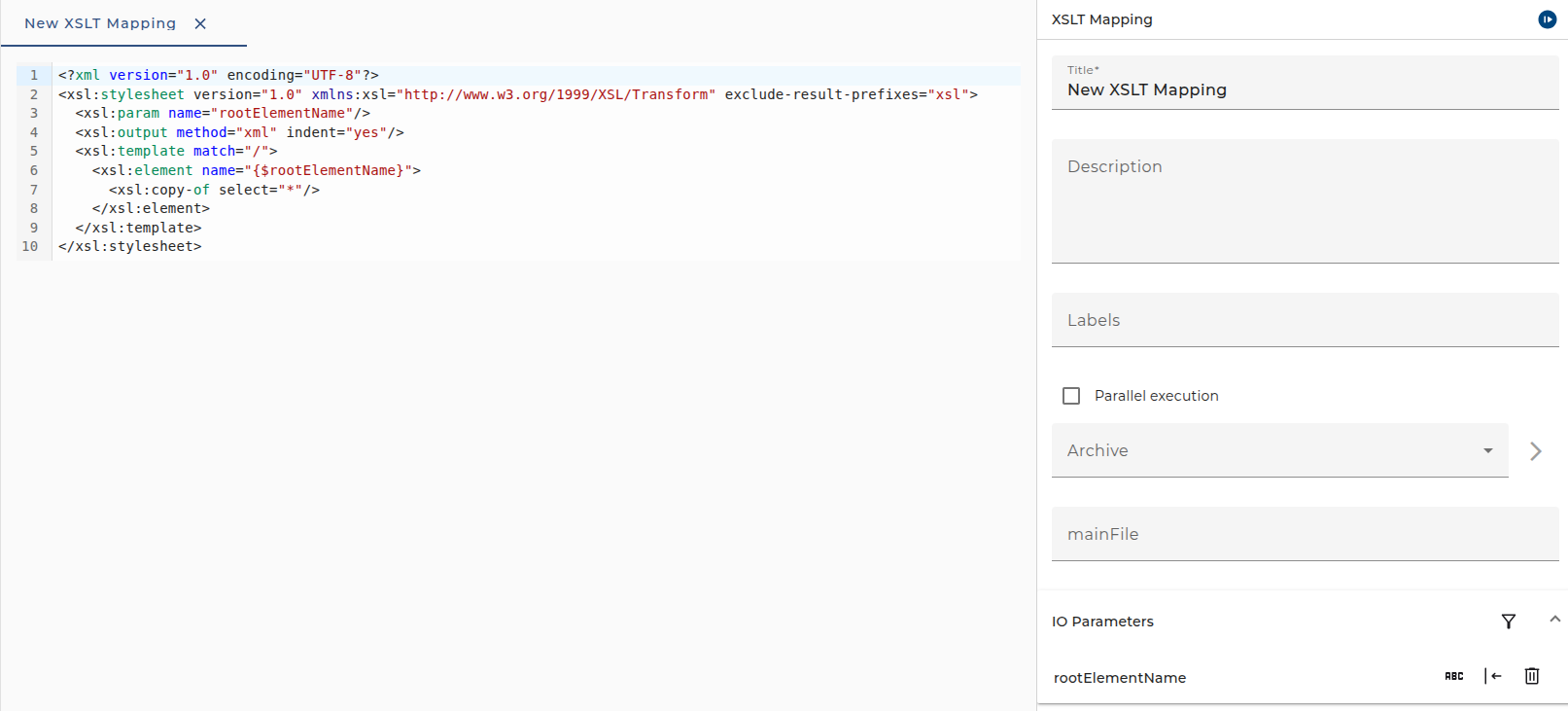
To configure the mapping double click on the entry in the scenario element tree. Then the editor panel to configure the mapping is opened. In the upper part the input and output parameters of the mapping are shown. By default, there are no visible parameters. Nevertheless, when you call the mapping from a process model it will show an input parameter MSG and an output parameter MSG. These are the input message given to the mapping and the result message created by the mapping.
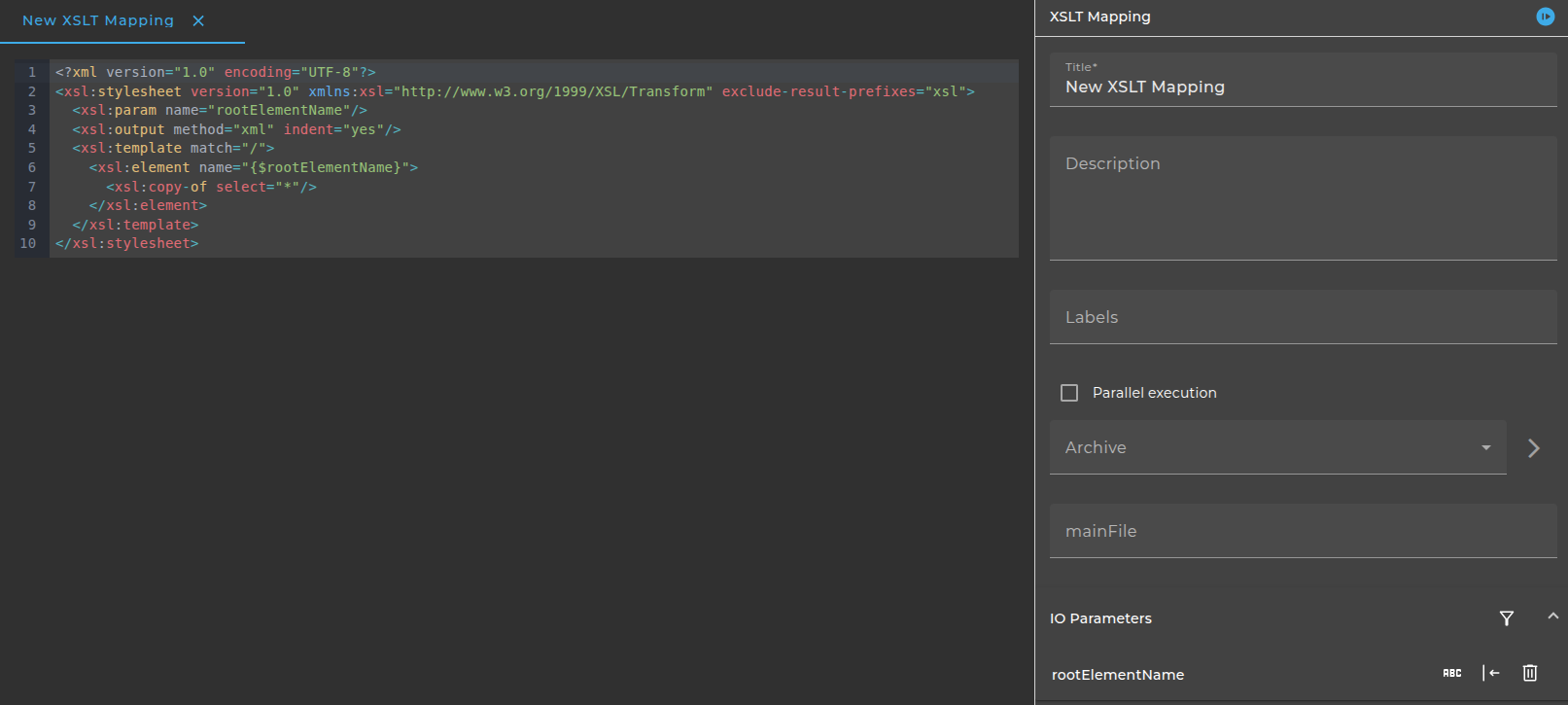
The dialog to configure the XSLT mappings looks like:
Archive
If the mapping is contained in an archive then select the archive and enter the name of the main file. The mapping containted in the main file of the archive will then be displayed read only.
Examples
In the next sections three small examples for XSLT scripts are presented. All these examples can be copied into the script area of the XSLT mapping editor.
Change tag names into uppercase characters
The following script changes all tag names into upper case characters.
<?xml version="1.0" encoding="UTF-8"?>
<xsl:stylesheet xmlns:xsl="http://www.w3.org/1999/XSL/Transform" version="1.0">
  <xsl:output method="xml" indent="yes" omit-xml-declaration="yes"/>

  <xsl:strip-space elements="*"/>

  <xsl:template match="node()|@*">
    <xsl:copy>
      <xsl:apply-templates select="node()|@*"/>
    </xsl:copy>
  </xsl:template>

  <xsl:template match="*">
    <xsl:element name="{
            translate(name(.),
           'abcdefghijklmnopqrstuvwxyz',
           'ABCDEFGHIJKLMNOPQRSTUVWXYZ') }">

      <xsl:apply-templates select="node()|@*"/>
    </xsl:element>
  </xsl:template>
</xsl:stylesheet>
Parameter
This script has a parameter rootElementName. If you create the mapping in the Orchestra Designer, and added the script into the script area in the parameter area a new input parameter named rootElementName is created.
<?xml version="1.0" encoding="UTF-8"?>
<xsl:stylesheet version="1.0" xmlns:xsl="http://www.w3.org/1999/XSL/Transform" exclude-result-prefixes="xsl">
  <xsl:param name="rootElementName"/>
  <xsl:output method="xml" indent="yes"/>
  <xsl:template match="/">
    <xsl:element name="{$rootElementName}">
      <xsl:copy-of select="*"/>
    </xsl:element>
  </xsl:template>
</xsl:stylesheet>
XML documents
The example shows a special XSLT script. It expects an input parameter tagName. The script (and thus the mapping) work on XML documents (structured Messages) with the root element result. It searches for elements having sub elements err:error and returns information about these elements.
<?xml version="1.0" encoding="UTF-8"?>
<xsl:stylesheet xmlns:xsl="http://www.w3.org/1999/XSL/Transform" version="1.0" xmlns:err="emds:annotation" exclude-result-prefixes="err">
  <xsl:param name="tagName"/>
  <xsl:template match="result">
    <result>
      <xsl:for-each select="./*[err:error!='']">
        <xsl:element name="{$tagName}">
          <elid>
            <xsl:value-of select="./elid/@info"/>
          </elid>
          <objectClass>
            <xsl:value-of select="./objectClass/@info"/>
          </objectClass>
          <message>
            <xsl:value-of select="./err:error"/>
          </message>
          <state>ERROR</state>
        </xsl:element>
      </xsl:for-each>
    </result>
  </xsl:template>
</xsl:stylesheet>